
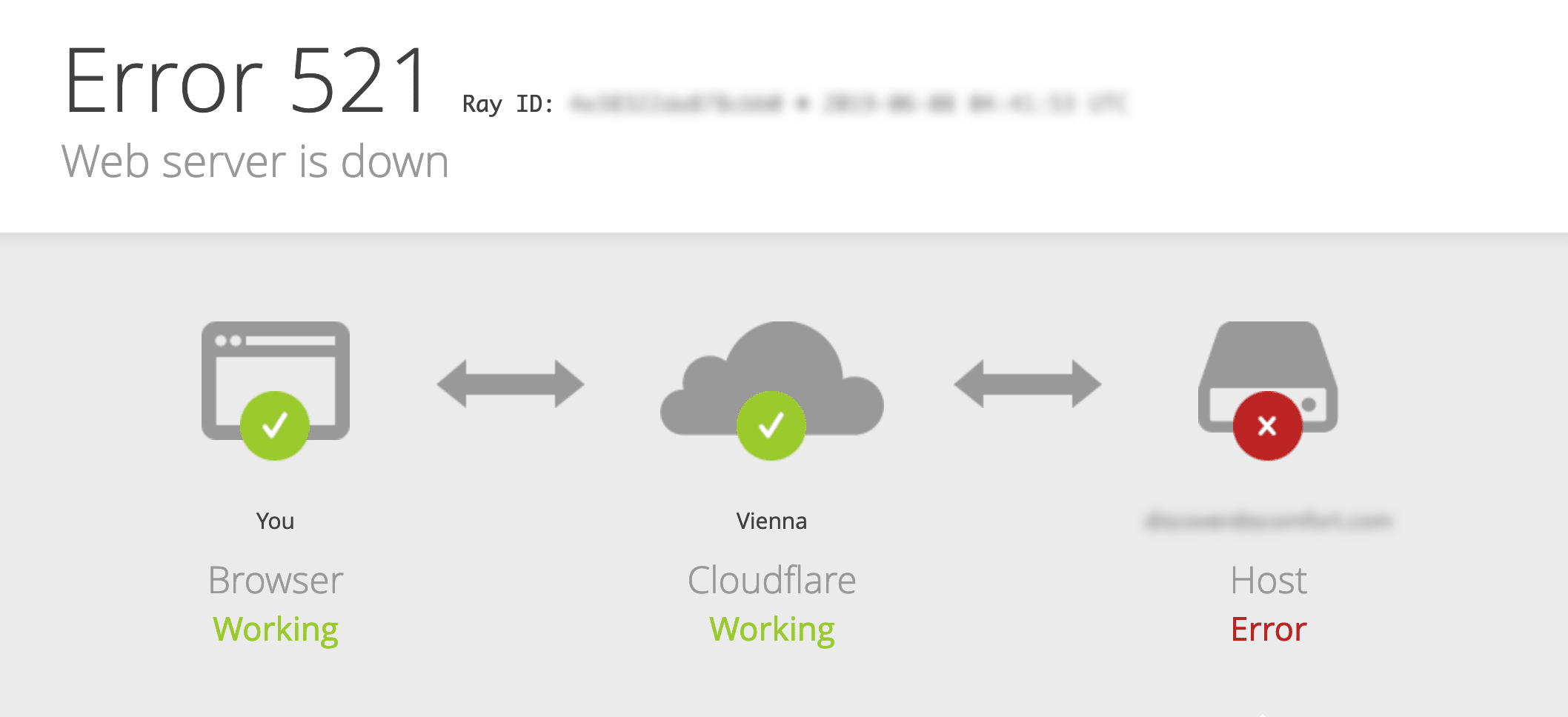
Cause of Error
According to the official CF documentation, there are two common causes for Error 521:
Origin web server application is offline
Cloudflare requests are blocked
If the server is running normally and there are no special firewall rules, the most common reason is that the Origin CA certificate is not installed on the server.
Solution
Create an Origin CA Certificate
Log in to the Cloudflare Dashboard.
Select your domain
Go to SSL/TLS > Origin Server
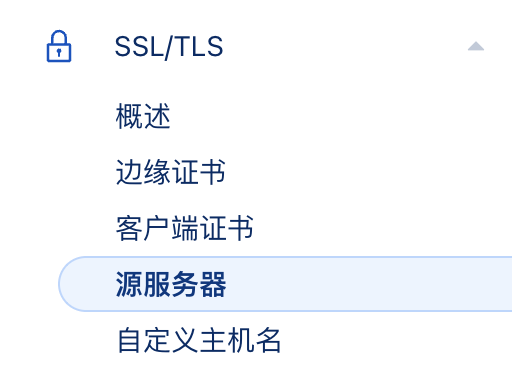
Click “Create Certificate”
Choose to generate private key and CSR through Cloudflare
Enter domain names (e.g., *.yourwebsite.com, yourwebsite.com). The root domain and first-level wildcard hostnames are included by default.
Select an expiration date.
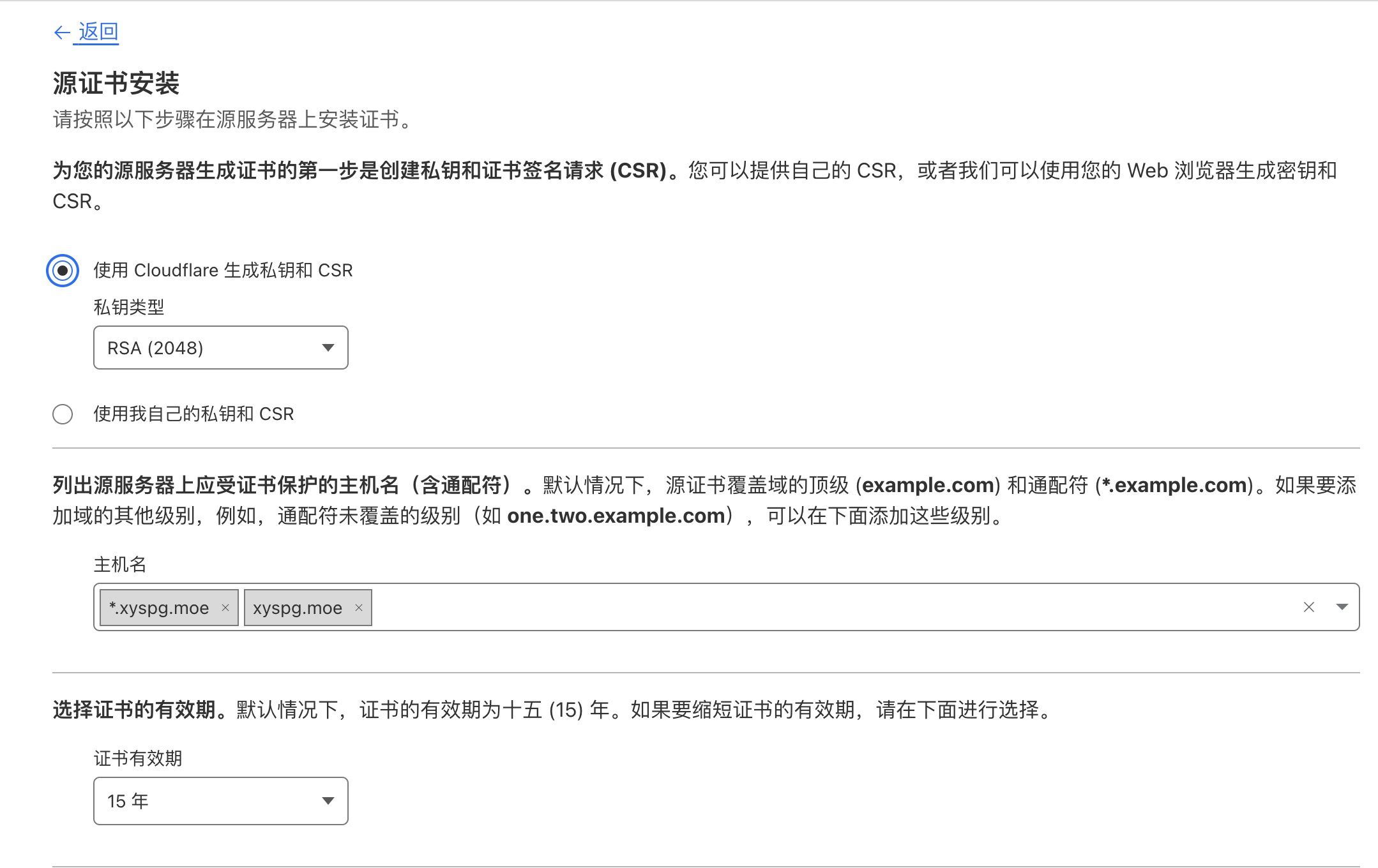
Click “Next”
Select key format:
Servers using OpenSSL (such as Apache and NGINX) typically prefer PEM files (Base64 encoded ASCII), but binary DER files can also be used
Servers using Windows and Apache Tomcat require PKCS#7 (.p7b files)
Copy the signed Origin certificate and private key into separate files.
:::caution You will not be able to view the private key again after leaving the page, so be sure to save it locally; otherwise, you will have to recreate it. :::
Click “OK”.
Install Origin CA Certificate on the Server (Using Nginx as an example)
Upload the Origin CA certificate (created in Step 1) to the origin web server (using SFTP, etc.). The following operations vary by server; Nginx is used as an example below:
Open the Nginx configuration file (usually located at /etc/nginx/)
Add the following to the Server block (replace the paths with your own)
`listen 443;
ssl    on;
ssl_certificate    /etc/ssl/your_domain_name.pem;
ssl_certificate_key    /etc/ssl/your_domain_name.key;`
For example:
`server { listen 443
ssl    on;
ssl_certificate    /etc/ssl/your_domain_name.pem; (or bundle.crt)
ssl_certificate_key    /etc/ssl/your_domain_name.key;

server_name your.domain.com;
access_log /var/log/nginx/nginx.vhost.access.log;
error_log /var/log/nginx/nginx.vhost.error.log;
location / {
root   /home/www/public_html/your.domain.com/public/;
index  index.html;
}
}`
- Restart Nginx
sudo /etc/init.d/nginx restart
Other server configuration references:
评论
No comments yet